Beginner’s Corner · Monthly Feature
You do not need a $2,000 camera to take a picture of the night sky that makes you gasp. You need a phone made in the last four or five years, something to keep it still, a spot away from streetlights, and about ten minutes of patience. That is genuinely it.
This is a friendly, practical guide to phone astrophotography in 2026. We will cover what your phone can actually do (a lot), what it cannot do (also a lot), the settings that matter, and the small handful of accessories worth spending money on. No pixel-peeping arguments about sensor size. Just: how do you point your phone at the sky and come home with an image you want to share.
What phones can genuinely do now
Modern flagship phones (iPhone 11 and up, Pixel 4 and up, Galaxy S22 and up) all do a version of the same trick: they take many short exposures very quickly, then stack them into one low-noise image. That process is why a shot that would have been all grain and darkness on a 2016 phone can now show the Milky Way as a soft milky band across your image.
Here is what you can realistically capture with a decent phone and a tripod:
- The Moon, with visible craters along the terminator (the shadow line). Any modern phone, no tripod required.
- The Milky Way as a soft band, if you are far from city lights. Tripod required.
- Star fields with hundreds of stars visible where your eyes might see thirty. Tripod required.
- Meteor trails, occasionally, during shower peaks. Luck plus a tripod plus long exposure mode.
- Bright planets as points of light (not disks with detail). Tripod helps.
- The ISS crossing overhead as a bright streak, using a long exposure timed to a pass.
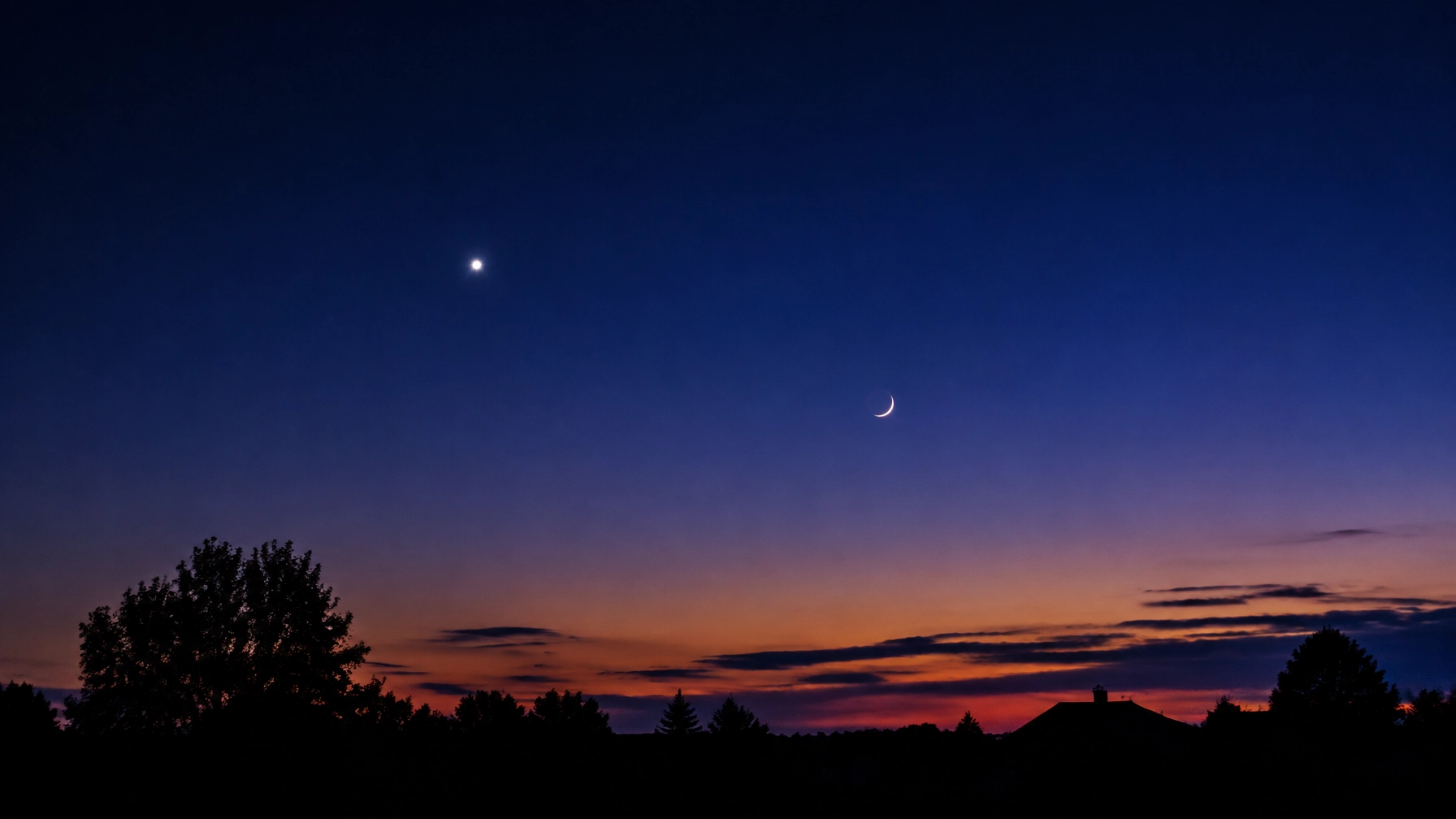
- Sunset-into-twilight color gradients that look almost painterly.
What phones cannot do
Just so nobody sets themselves up for disappointment:
- Planetary detail. No phone will show you Jupiter’s cloud bands or Saturn’s rings. Those require a real telescope with the phone held to the eyepiece, which is a different craft.
- Deep-sky objects with color and detail. The Orion Nebula might show as a faint smudge on a very good phone at a very dark site, but Andromeda, the Pleiades, and other showpiece objects need a tracker.
- Sharp stars with any optical zoom. Digital zoom just crops. The optical telephoto lens on most phones has a smaller sensor and worse low-light performance, so you almost always want the main (1x) lens.
The four things that matter more than your phone
1. A tripod. Any tripod.
This is the single largest quality upgrade you can make. Long exposure only works if the phone is perfectly still for 10 to 30 seconds. Handholding, even with image stabilization, will smear stars into short streaks and turn the whole shot to mush.
You do not need a fancy one. A $20-$30 travel tripod with a phone clamp is genuinely enough for casual astro use. If you already own a full-size camera tripod, buy a $10 phone clamp adapter and use that. The one thing that matters: it has to actually hold your phone steady in wind. Cheap flexible-leg tripods will disappoint you the first breezy night.
2. Distance from lights
A phone at a Bortle 3 dark site will beat a $5,000 camera at a Bortle 8 suburban site every single time. Your camera app is fighting a losing battle against light pollution just like your eyes are. If the sky above you looks orange, no amount of computational photography will pull the Milky Way out.
We wrote a fuller piece on how to find dark sites near you — it is coming up in January. In the meantime, lightpollutionmap.info shows you the honest light pollution around your house. If you are in an orange or red zone, a 30 to 60 minute drive will usually get you into somewhere workable.
3. Timing the shutter without touching the phone
Pressing the shutter button jiggles the phone. Every time. During a 10-second exposure, that first second of shake ruins the shot. Two easy fixes:
- Use the built-in self timer (3 or 10 seconds). Free. Works on every phone.
- Pair a $10 Bluetooth remote shutter from Amazon. Massively convenient and eliminates the jiggle entirely.
4. Let your eyes adapt first
Give yourself at least 15 to 20 minutes of full darkness before you start shooting. Your eyes need it to adapt, and you need to actually see what you are trying to photograph so you can compose the shot. Every time you look at your phone screen at full brightness, you reset the clock. Turn brightness all the way down. Use a red screen mode if your phone has one, or a red-light app.
Phone-by-phone: what to actually press
iPhone (11 and newer)
- Open the built-in Camera app.
- Point at the sky. Night Mode turns on automatically when it is dark enough (yellow moon icon at the top).
- Tap the yellow icon and drag the slider to Max (10 to 30 seconds depending on model and stability detection).
- Set the self timer to 3 seconds or use a Bluetooth remote.
- Shoot on the 1x main lens. Do not zoom.
Apple deliberately does not expose the shutter speed or ISO in the stock Camera app. If you want manual control, the apps that give it to you are NightCap (has a dedicated Stars mode and ISS mode with real long exposure) and ProCamera (full manual RAW). Both are worth the small one-time fee.
Google Pixel (4 and newer)
- Open the Camera app and tap Night Sight.
- Prop the phone on a tripod and hold still. After a few seconds, the app detects it is stable and unlocks Astrophotography mode automatically (you will see “Astrophotography on” appear).
- Tap the shutter. The phone will take up to a 4-minute exposure, actually a series of 15-second frames stacked in software. Do not touch it.
Google’s implementation is arguably the best in-phone astro mode available. Take pictures at least 45 to 90 minutes after sunset. Get away from city lights. The phone does the rest.
Samsung Galaxy (S22 and newer)
- Install the free Expert RAW app from the Galaxy Store.
- Open Expert RAW and switch to Astrophoto mode (or Astroportrait, which lets you include a subject in the foreground).
- Point at the sky. The app scans for constellations and shows you an overlay of what is up there.
- Set the exposure time (4, 6, or 10 minutes) and tap the shutter.
Samsung’s Astrophoto mode is the most powerful of the three because you get real control over exposure time. It will happily eat 10 minutes of your night on a single shot, which is fantastic for star trails and Milky Way detail.
A realistic first outing
Here is what a first phone astro session actually looks like, start to finish:
- Check your phone battery. Long exposures drain it faster than you expect. Start above 60%.
- Drive somewhere dark. A local park after dusk, a lake pull-off, a rural field.
- Set up the tripod. Point at whatever is interesting: the Milky Way core in summer, Orion in winter, whatever the Moon is doing tonight.
- Turn phone brightness all the way down and switch to airplane mode to save battery.
- Wait 15 minutes for your eyes to adapt.
- Take your first shot. It will be too dark, or too orange, or slightly out of focus.
- Take five more. Adjust framing. Try one at 10s, one at 30s, one at max.
- Go home. Look at them on a bigger screen the next morning with fresh eyes.
Your best shot from that session will probably surprise you. Then you go back next weekend and get better.
When the phone is not enough
At some point, if this bug bites, you will want to see the things a phone will never resolve: the rings of Saturn, the moons of Jupiter, the spiral arms of Andromeda. That is a real telescope and real astrophotography gear, and it is a real budget conversation.
We are publishing the full guide to that in November as a Black Friday / Cyber Monday buying breakdown, from a $100 first tripod to a $1,500 tracked mount. If you know you want to go deeper, wait for it. If you want to know whether you want to go deeper, spend three months getting the most out of the phone in your pocket. That is enough time to know whether the sky has you.
Related reading from NOOMMED
- Tonight’s Sky — daily notes on what to point your phone at.
- Beginner’s Corner — more field-guide primers as we publish them.
- Affiliate Disclosure — how we recommend gear and how we make money.
Some links in this post may earn NOOMMED a small commission at no extra cost to you. See our Affiliate Disclosure for the honest details.